Trading B2B on Jangolo: how to post a wholesale sale offer or purchase request (2026 guide)
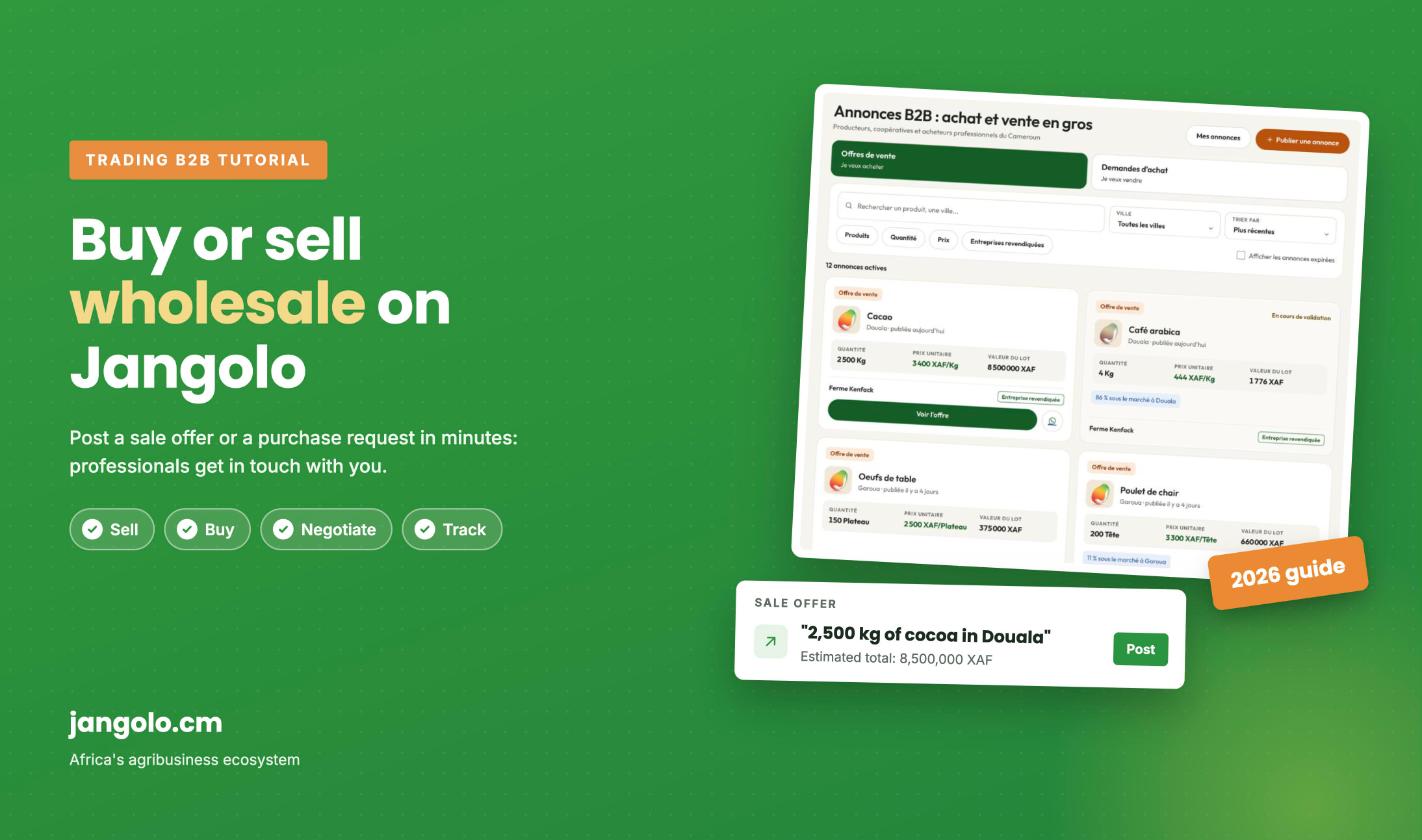
Do you produce in volume and need buyers? Are you a trader, processor or cooperative that has to source in bulk? On Jangolo, it all happens in the Trading B2B area: you post a sale offer or a purchase request, and interested professionals contact you directly.
This guide was fully updated in October 2026 with the new screens of the platform (the interface shown is in French). It takes less than five minutes to post your first listing.
Sale offer or purchase request: which one?
Sale offer (“I sell”): you have a lot to move, for example 2,500 kg of cocoa available in Douala. Buyers find it in the “Offres de vente” (sale offers) tab.
Purchase request (“I buy”): you are looking for a product, for example 100 bags of maize delivered to Bafoussam. Sellers find it in the “Demandes d’achat” (purchase requests) tab and come to you.
Trading B2B is built for wholesale: lots, bags, tonnes, heads, crates. To sell retail to consumers, use your Jangolo shop instead.
Before you start
Have a Jangolo account and be signed in. No account yet? Register for free on jangolo.cm.
Have a company linked to your account: every listing is posted on behalf of a company (farm, cooperative, business).
Step 1: open Trading B2B
On jangolo.cm, click Trading in the main menu. You land on the “Annonces B2B” page, which lists all active listings from producers, cooperatives and professional buyers in Cameroon.
Two tabs organise the page: sale offers (to buy) and purchase requests (to sell). You can search for a product or a city, filter by city, product, quantity, price or claimed companies, and sort the results. A badge even shows when a price is below the market price in that city.
The Trading B2B page: sale offers, purchase requests, search and filters.
To post, click the orange Publier une annonce (post a listing) button at the top right.
Step 2: choose the type of operation
The form fits on a single page, in four blocks. In the first one, say whether you buy or sell: Acheter (buy) for a purchase request, Vendre (sell) for a sale offer. In our example, we post a purchase request.
Block 01: choose Buy or Sell.
Step 3: select the product
In the “Produit et prix” (product and price) block, type the product name and pick it from the Jangolo catalogue. Each suggestion shows an indicative price, useful to position your own price.
Pick your product from the catalogue.
Step 4: enter quantity, unit and price
the quantity (for example 100);
the unit of measure: only the units that fit the product are offered (kg, bag, head, tray, crate…);
the unit price in XAF, that is the price per bag, per kg, and so on.
Step 5: set the company, city and availability
In the “Logistique et délais” (logistics and timing) block, check the company you post for, choose the city where the goods are (or where you want delivery), then the availability date.
Blocks 02 and 03: quantity, unit, price, company, city and date.
Step 6: add details and submit
The “Informations complémentaires” (additional information) block is optional but very useful: expected quality, moisture, packaging, delivery, payment terms. The more precise your listing, the more serious the contacts you receive.
The estimated total of the lot is calculated automatically (quantity × unit price). Check it, then click Envoyer ma demande (send my request), or Envoyer mon offre (send my offer) if you sell.
Block 04, estimated total and submit button.
Step 7: track your listing in “Mes offres et demandes”
After submitting, you land on Mes offres et demandes (my offers and requests), where all your listings appear with their status:
En attente (pending): your listing is saved but not public yet. The Jangolo team reviews it before publication.
Publié (published): the listing is live on the Trading B2B page for 30 days. You are notified when it goes live.
Terminé (completed): the deal is closed or the listing has reached its end.
Counters at the top summarise your activity, and a search bar helps you find a listing by product, city or status. You can also reach this page from the “Mes annonces” button on the Trading page, or from your Pro area, under “Vendre et acheter”.
A purchase request pending review and a published sale offer.
Step 8: your listing is live
Once approved, your listing gets its own public page: asking price, quantity, lot value, city, availability date and your description. The reference, publication date and expiry date appear under the title. You can share it on Facebook, LinkedIn or X, or copy its link.
Your published listing, as you see it.
How buyers and sellers contact you
Contact the seller (or buyer) from the platform;
WhatsApp, with an introduction by Jangolo;
Make a counter-offer to negotiate price or quantity;
Questions to the seller: public questions whose answers everyone can see (for example “do you deliver to Yaoundé?”).
Check your messages on Jangolo regularly and reply fast: in wholesale trade, the first to answer often closes the deal.
What a buyer sees: contact, WhatsApp, counter-offer and public questions.
Edit or delete a listing
While a listing is pending, you can delete it from “Mes offres et demandes” with the Supprimer (delete) button, then confirm. Deletion is permanent.
To fix a mistake (quantity, price, city), the simplest way is to delete the pending listing and post a new one. If your listing is already published, contact the Jangolo team, who can update it for you.
Frequently asked questions
Why doesn’t my listing appear right away?
Every offer and request is reviewed by the Jangolo team before publication. Your listing stays private and marked “pending” during the review. You are notified as soon as it goes live.
How long does my listing stay online?
A published listing stays visible for 30 days. Its expiry date is shown on its page. Expired listings can still be viewed by ticking “Afficher les annonces expirées” (show expired listings) on the Trading page.
What is the difference between a B2B listing and a shop product?
A B2B listing is about a specific wholesale lot, with a quantity, a price and a date. A shop product is presented permanently, often for retail. For shops, read our guide on how to list your first product on Jangolo.
Conclusion
Posting a sale offer or a purchase request on Jangolo takes a few minutes: a four-block form, a review by the team, then your listing is visible to agribusiness professionals in Cameroon. Any question? Leave a comment below or write to info@farmer.cm.









Do you produce in volume and need buyers? Are you a trader, processor or cooperative that has to source in bulk? On Jangolo, it all happens in the Trading B2B area: you post a sale offer or a purchase request, and interested professionals contact you directly.
This guide was fully updated in October 2026 with the new screens of the platform (the interface shown is in French). It takes less than five minutes to post your first listing.
Sale offer or purchase request: which one?
Trading B2B is built for wholesale: lots, bags, tonnes, heads, crates. To sell retail to consumers, use your Jangolo shop instead.
Before you start
Step 1: open Trading B2B
On jangolo.cm, click Trading in the main menu. You land on the “Annonces B2B” page, which lists all active listings from producers, cooperatives and professional buyers in Cameroon.
Two tabs organise the page: sale offers (to buy) and purchase requests (to sell). You can search for a product or a city, filter by city, product, quantity, price or claimed companies, and sort the results. A badge even shows when a price is below the market price in that city.
To post, click the orange Publier une annonce (post a listing) button at the top right.
Step 2: choose the type of operation
The form fits on a single page, in four blocks. In the first one, say whether you buy or sell: Acheter (buy) for a purchase request, Vendre (sell) for a sale offer. In our example, we post a purchase request.
Step 3: select the product
In the “Produit et prix” (product and price) block, type the product name and pick it from the Jangolo catalogue. Each suggestion shows an indicative price, useful to position your own price.
Step 4: enter quantity, unit and price
Step 5: set the company, city and availability
In the “Logistique et délais” (logistics and timing) block, check the company you post for, choose the city where the goods are (or where you want delivery), then the availability date.
Step 6: add details and submit
The “Informations complémentaires” (additional information) block is optional but very useful: expected quality, moisture, packaging, delivery, payment terms. The more precise your listing, the more serious the contacts you receive.
The estimated total of the lot is calculated automatically (quantity × unit price). Check it, then click Envoyer ma demande (send my request), or Envoyer mon offre (send my offer) if you sell.
Step 7: track your listing in “Mes offres et demandes”
After submitting, you land on Mes offres et demandes (my offers and requests), where all your listings appear with their status:
Counters at the top summarise your activity, and a search bar helps you find a listing by product, city or status. You can also reach this page from the “Mes annonces” button on the Trading page, or from your Pro area, under “Vendre et acheter”.
Step 8: your listing is live
Once approved, your listing gets its own public page: asking price, quantity, lot value, city, availability date and your description. The reference, publication date and expiry date appear under the title. You can share it on Facebook, LinkedIn or X, or copy its link.
How buyers and sellers contact you
Check your messages on Jangolo regularly and reply fast: in wholesale trade, the first to answer often closes the deal.
Edit or delete a listing
While a listing is pending, you can delete it from “Mes offres et demandes” with the Supprimer (delete) button, then confirm. Deletion is permanent.
To fix a mistake (quantity, price, city), the simplest way is to delete the pending listing and post a new one. If your listing is already published, contact the Jangolo team, who can update it for you.
Frequently asked questions
Why doesn’t my listing appear right away?
Every offer and request is reviewed by the Jangolo team before publication. Your listing stays private and marked “pending” during the review. You are notified as soon as it goes live.
How long does my listing stay online?
A published listing stays visible for 30 days. Its expiry date is shown on its page. Expired listings can still be viewed by ticking “Afficher les annonces expirées” (show expired listings) on the Trading page.
What is the difference between a B2B listing and a shop product?
A B2B listing is about a specific wholesale lot, with a quantity, a price and a date. A shop product is presented permanently, often for retail. For shops, read our guide on how to list your first product on Jangolo.
Conclusion
Posting a sale offer or a purchase request on Jangolo takes a few minutes: a four-block form, a review by the team, then your listing is visible to agribusiness professionals in Cameroon. Any question? Leave a comment below or write to info@farmer.cm.
Partager :
Like this:
Discover more from Jangolo Blog
Subscribe to get the latest posts sent to your email.